The best idea in a session does not have to be yours.
Throw objects into a space. Get music out.
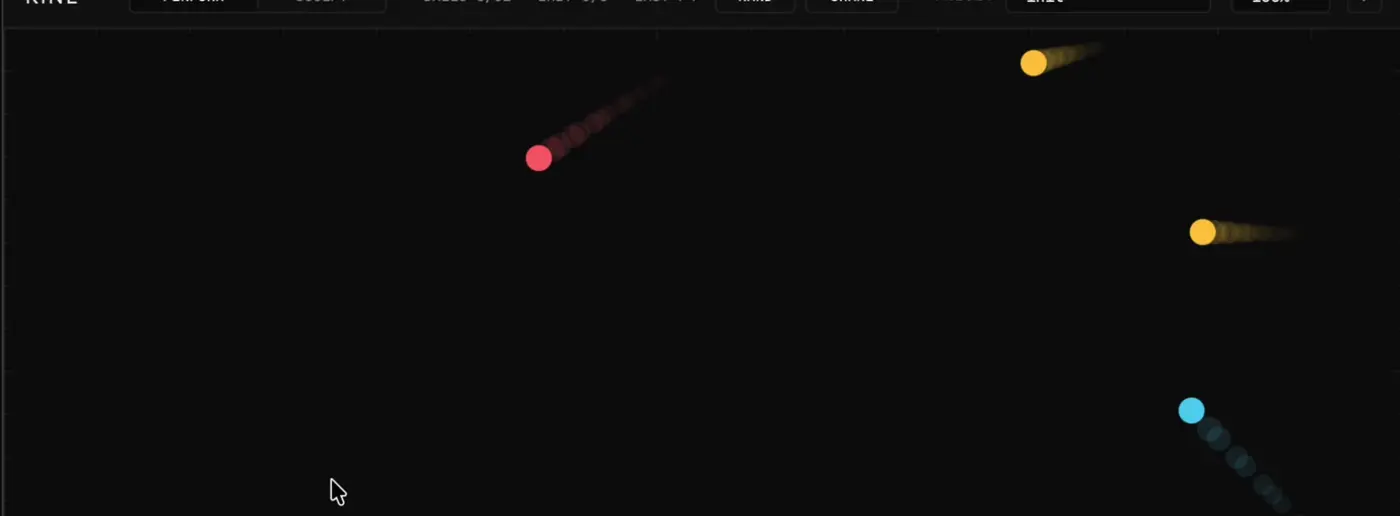
A canvas with physics, wired to MIDI
Everything is snapped to a key you choose, so what comes out is stranger than anything you would sit down and play, and still in tune.
Many balls at once build up rhythms that are too dense to play by hand. Kine makes MIDI first: route it to your own synths and samplers, or drag it into the project as a clip. It also has a built-in voice, so you hear something the moment it loads.
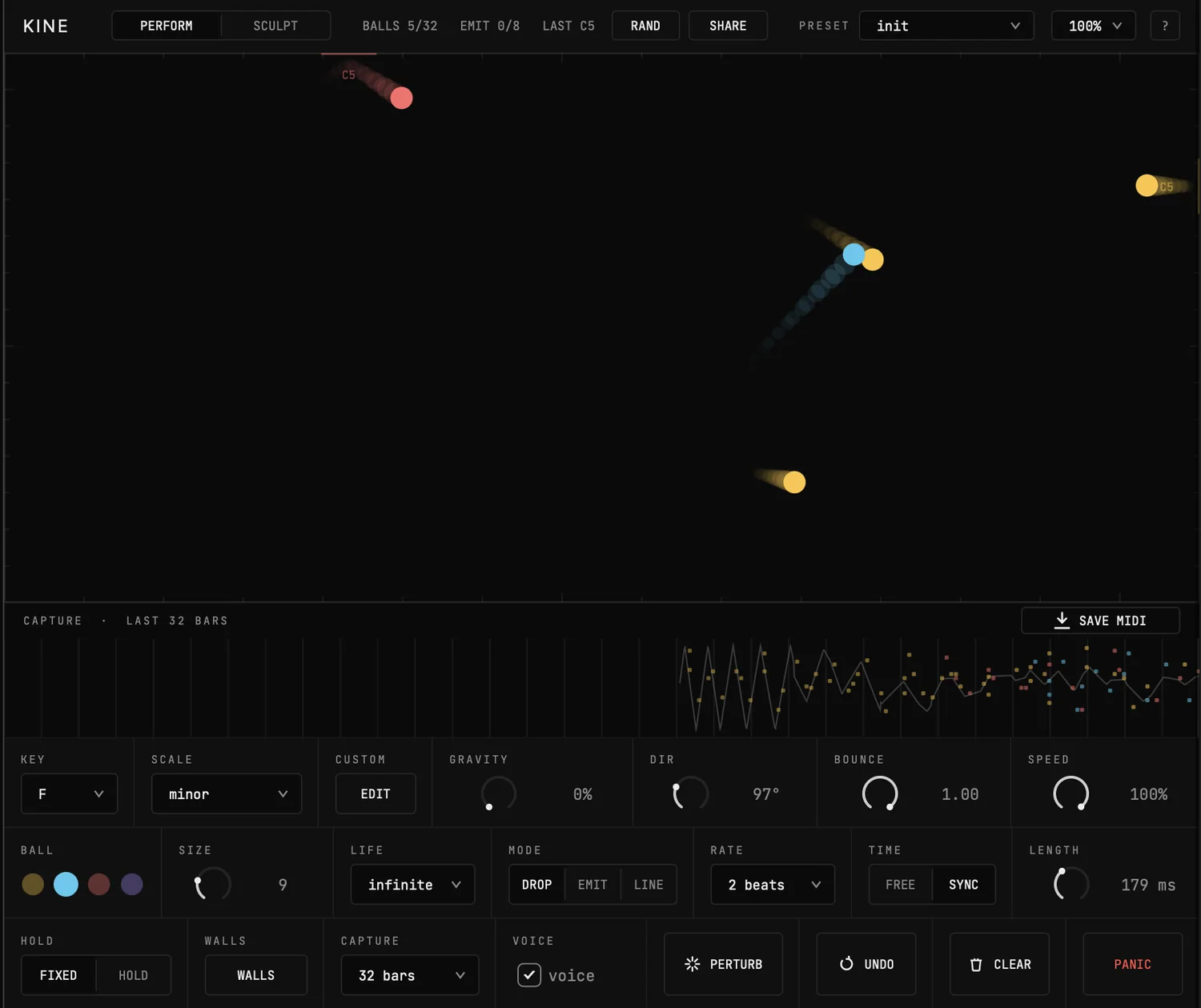
Drop. Click to place a ball. Drag before you let go and you throw it. Direction and speed are your gesture.
Bounce. Gravity has an amount and a direction. Elasticity and air friction take it from tight rebound to slow decay. Zero gravity drifts forever.
Note. Every impact fires a note. Position along the wall selects the scale degree, harder hits play louder, and the note name flashes where it happened.
Keep it. The last 32 bars are always recording. When something works, drag the lane onto a track.
Why it never sounds wrong
Each of the four walls is a pitch zone mapped across the scale you picked. Thirteen scales, every mode and the pentatonics, plus a custom editor if none of them fit.
Per wall
Mute a wall, offset it by an octave, or switch it to drum mode so it fires one fixed GM note instead of a pitch zone. The same engine becomes a generative drum machine.
Timing
Free mode fires notes sample-accurately at the moment of impact. Synced mode snaps them to a grid from 1/4 to 1/32, with a strength control so timing can be loosely gravitational rather than rigid.
Humanise
Velocity humanise loosens the dynamics. Note length is fixed, or held until the next hit on that wall.
Shape the space
The four walls are the default. Everything else in the canvas is something you put there.
Lines
Draw lines inside the canvas and balls bounce off them with real segment collision. Each line is its own pitch zone with its own octave and colour, or pin it to a single fixed note. Move, rotate and resize them directly, and they travel inside share codes.
Emitters
An emitter is a saved drop that re-fires on a beat interval. They are grid-aligned at creation, so same-rate emitters lock in unison and mixed rates interlock as polyrhythms instead of drifting apart. Up to eight at once.
Perturb
One tap sends a radial impulse through every ball on the canvas and shakes the whole pattern loose.
Speed
A time-scale macro from freeze to full speed, automatable. Pause the simulation mid-phrase or run the whole thing in slow motion.
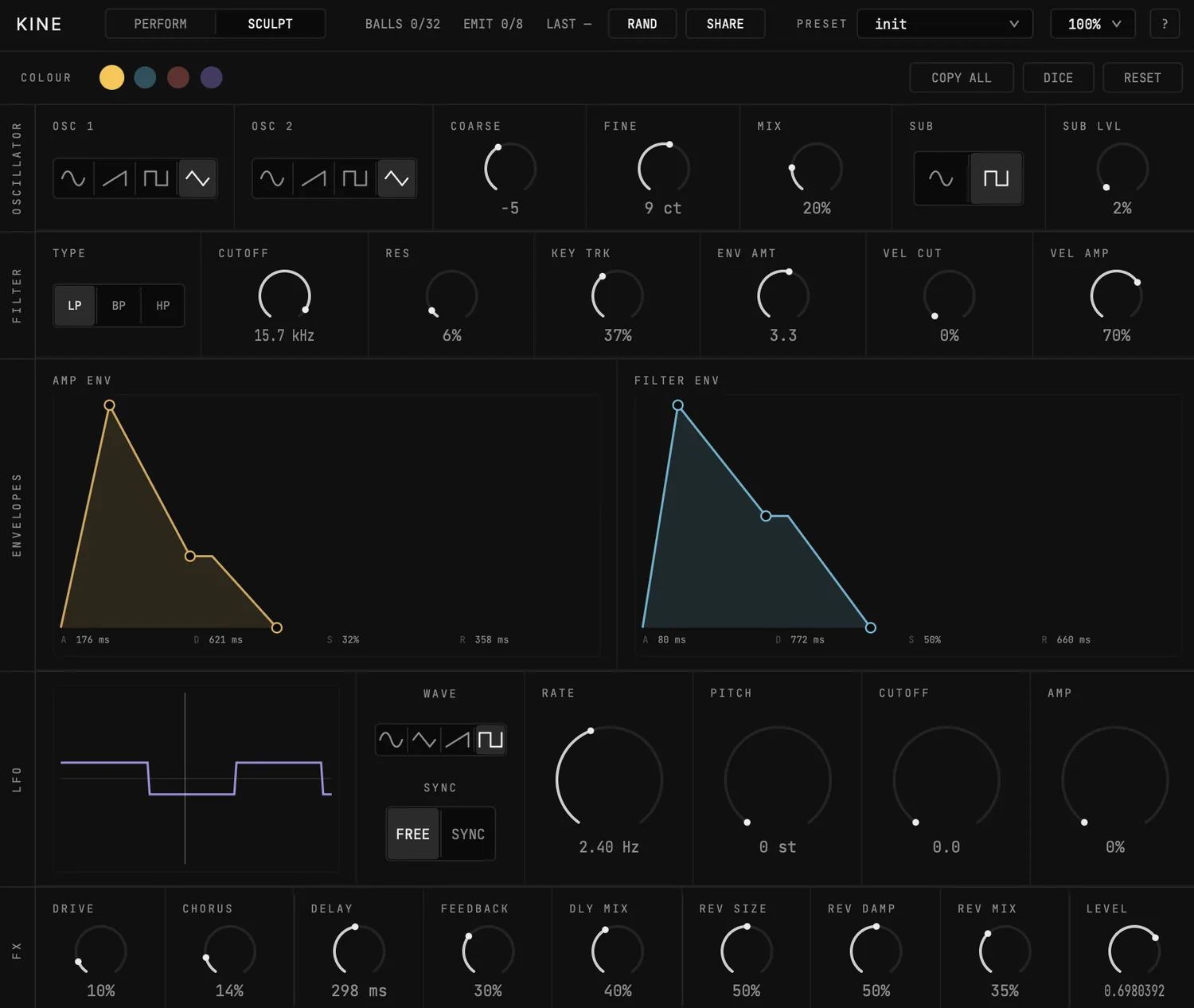
Four colours, four voices
The same note events feed an internal synth, and each ball colour carries its own patch. A bass, a pluck and a pad can share one canvas.
Capture and drag out
A piano roll runs under the canvas showing the last 8, 16 or 32 bars as they happen, notes drawn in the colour of the ball that made them.
Grab the lane and drag it onto a track. Type-1 MIDI, one track per channel. What you see in the lane is exactly what lands in the project, and the standalone gives you a save dialog.
MIDI goes the other way too. Note number sets the drop position, velocity sets throw force, channel sets colour. Play Kine from a keyboard, or sequence it from the DAW and let the physics answer.
Where it sits
Native MIDI out where the host supports it, drag-out everywhere else.
Questions
Who is this for?
Ambient, IDM and downtempo producers use it as an idea engine. Live performers use it because it is visual and playable on stage. It also works as a toy, which is the easiest way in.
Is it really free?
Kine is free to download today. You give an email address to get the installer, and you choose separately whether that also signs you up to hear about new releases.
How do I install it?
The installers for macOS and Windows are signed, and they put each format where your host expects it. Rescan your plugins and Kine appears under Noem.
My DAW does not show MIDI out.
Some hosts hide plugin MIDI output behind a routing setting, and a few do not expose it at all. Use drag-out instead. It produces the same notes and works everywhere.
Something is broken.
Mail us with your operating system, host and version number, and we will fix it.
Download Kine
VST3, AU and AU MIDI FX. macOS 11+, Windows 10+. Signed installers, 64-bit, 12 MB.